05 · Product & UX/UI

Learning experience design · EdTech

Vivomind

An AI emotional learning companion for K to 12 kids. Colour, play and gentle pauses that turn chaos into calm.
Role

Research, personas, LXD, prototyping, UI

Audience

Kids K to 12, parents, educators

Platforms

Mobile, wearable, educator web

Tools

Figma, FigJam, Canva, Adobe CC

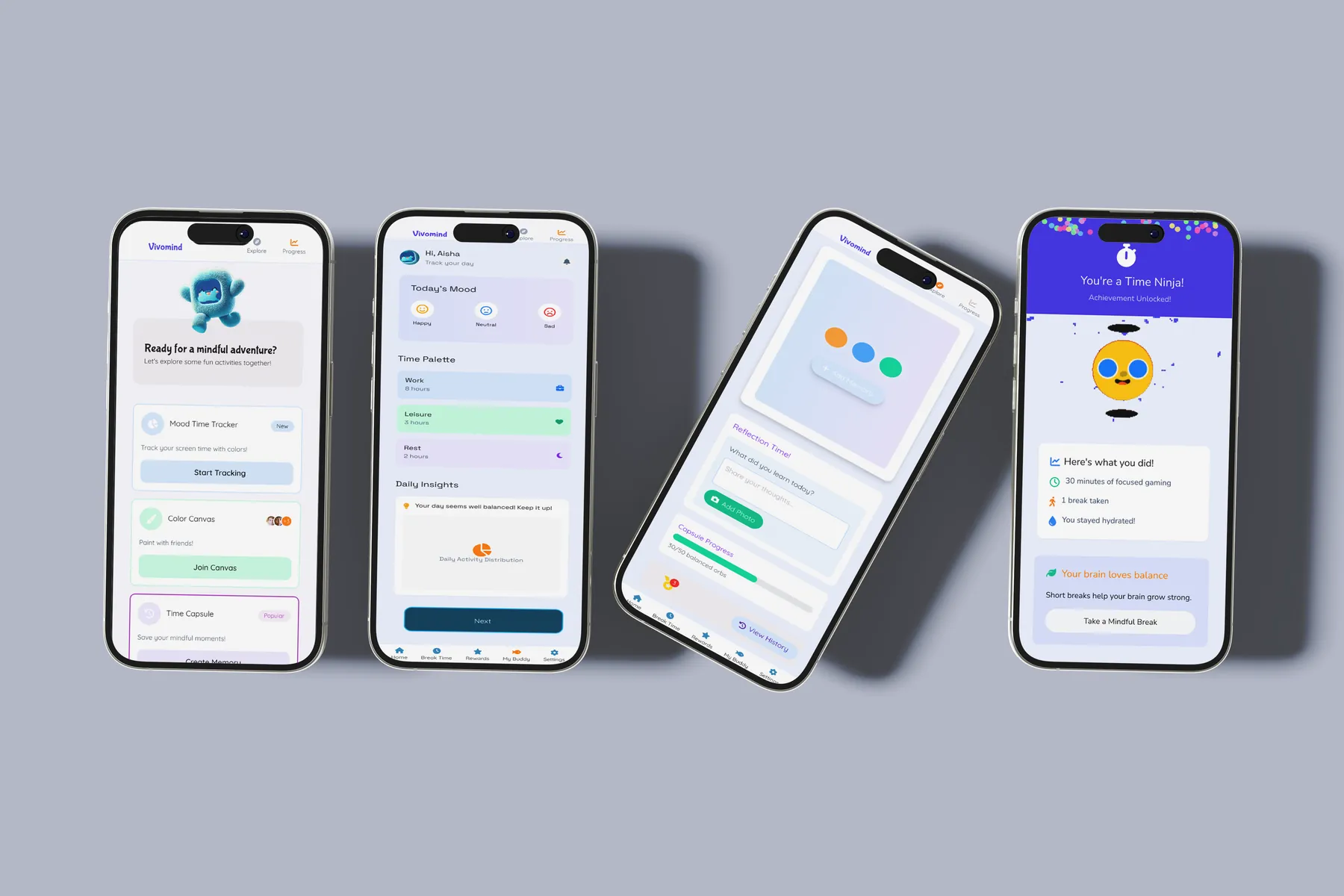
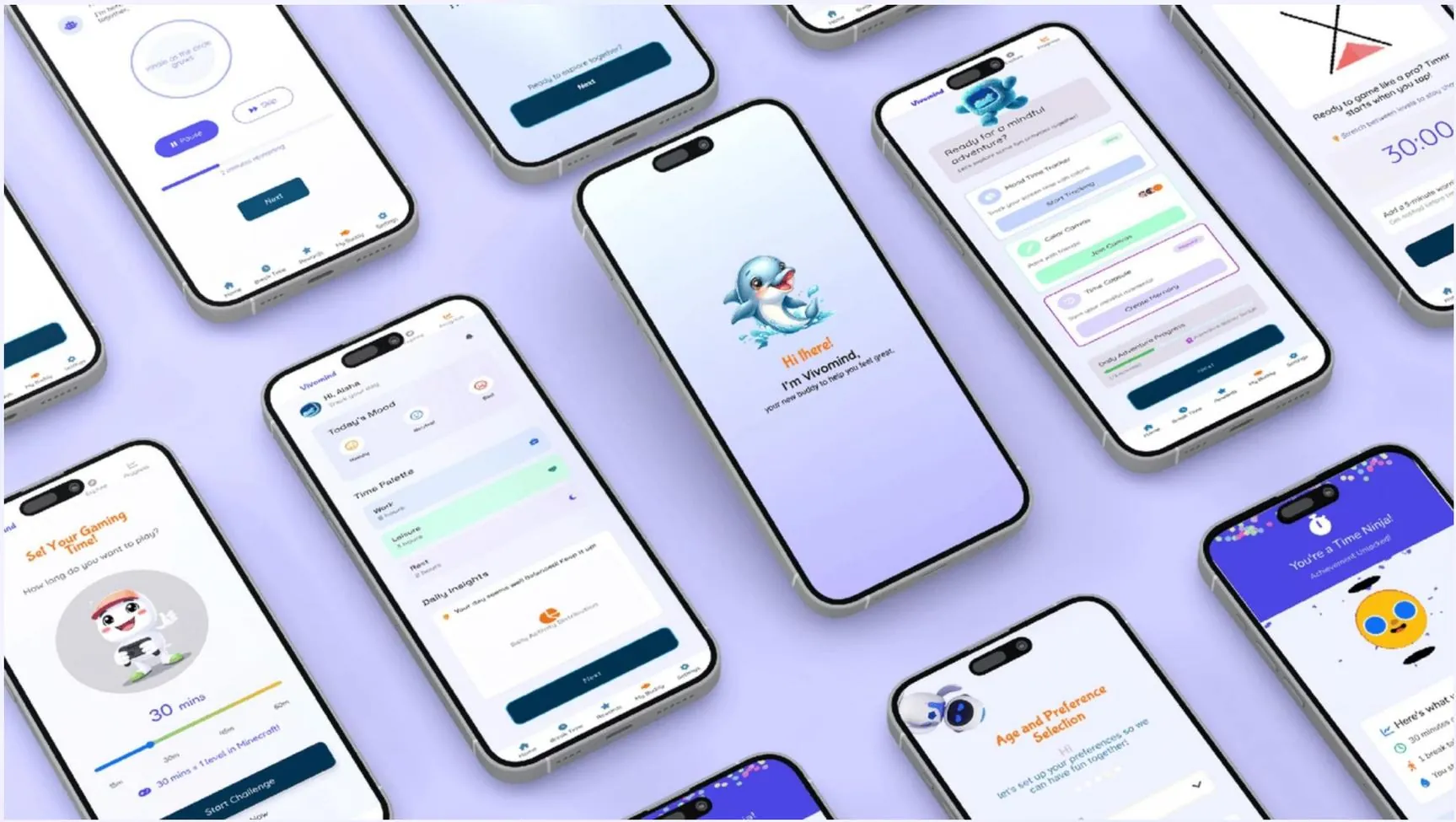
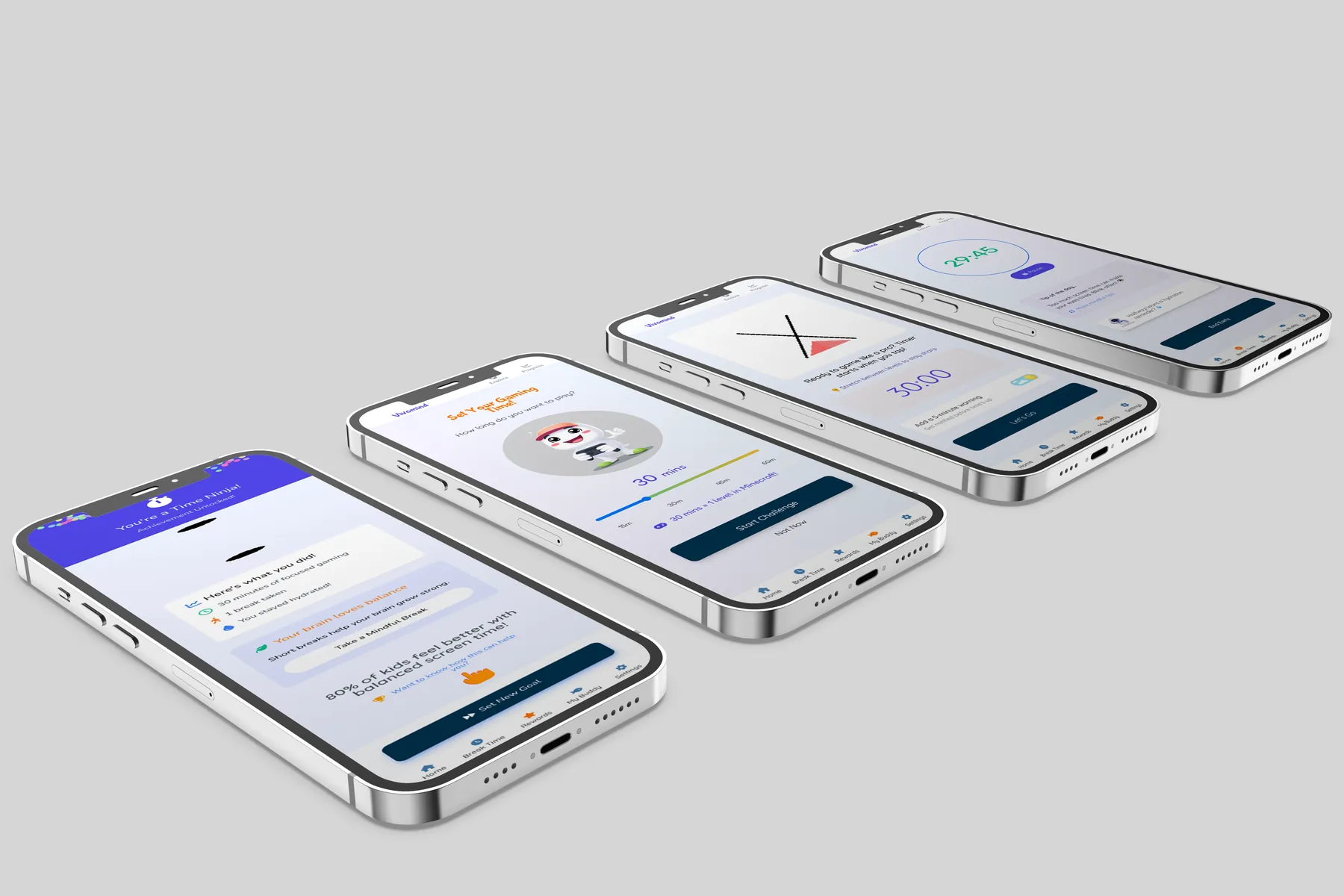
Vivomind app screens in perspective
01

Problem

The quiet pain of modern childhood.

Screens displaced routines like bedtime. Anxiety and burnout followed.
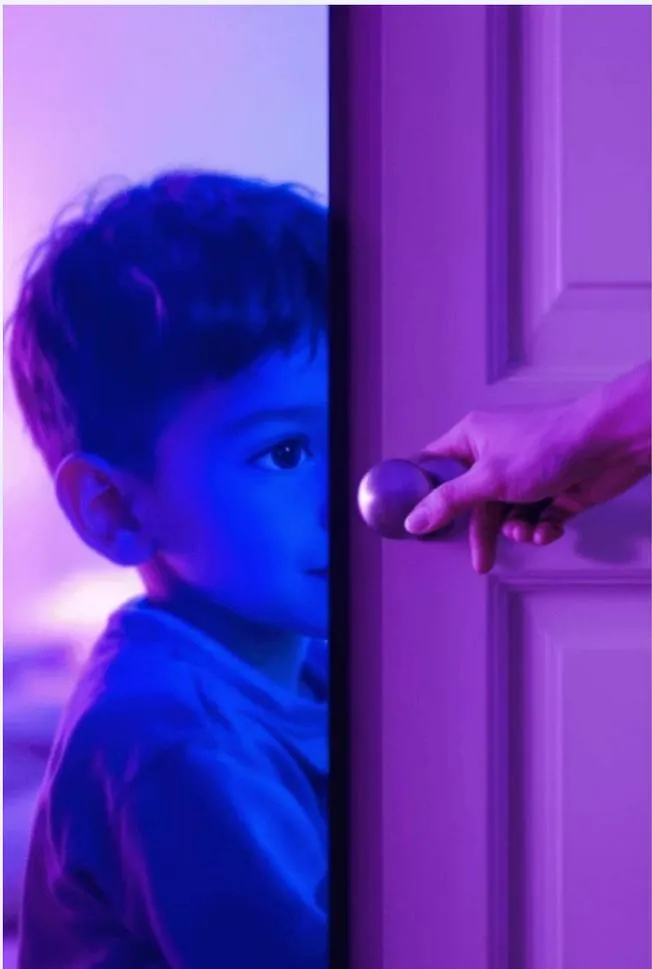
A child peeking through a door lit by screen glow
Fig 1.1Bedtime, displaced
  1. Too strictScreen limiters felt like punishment.
  2. Too adultMindfulness apps spoke in abstractions.
  3. Too coldNothing mixed colour, play and support.
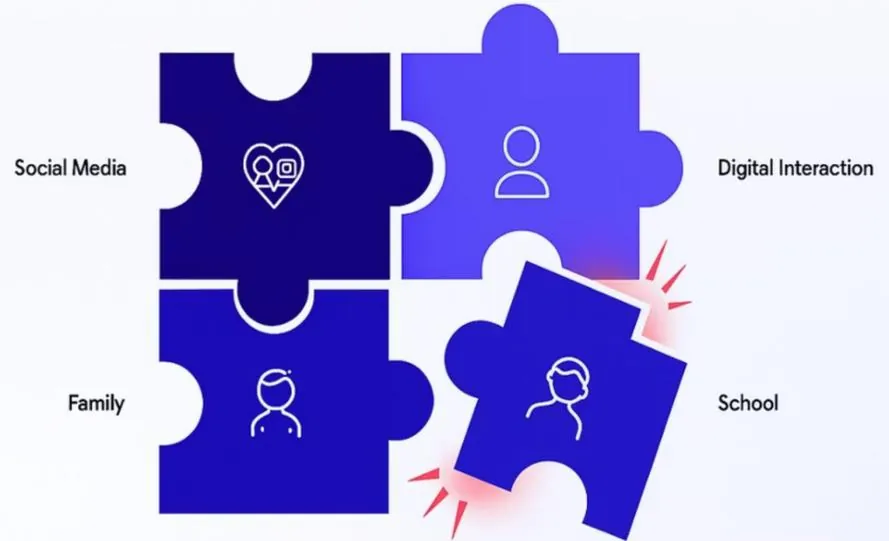
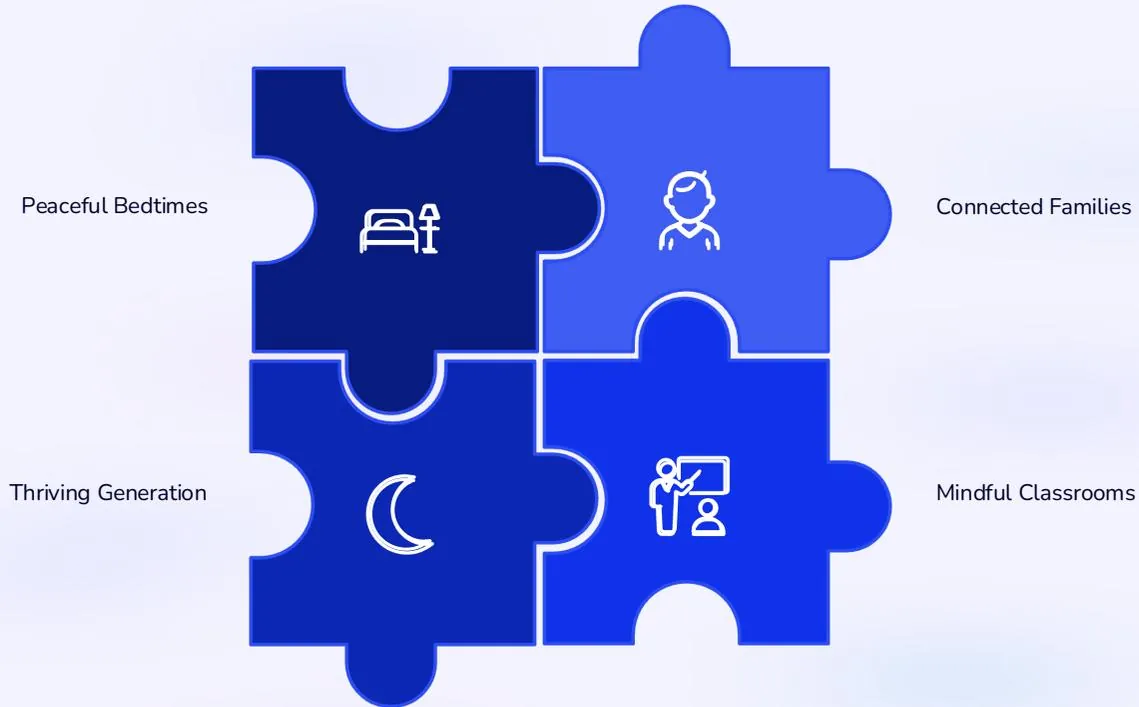
Puzzle of social media, family, school pulling apart
BeforeOut of balance
Puzzle restored: calm bedtimes, connected families
GoalBalance restored
02

Process

Designing with children.

1Research
2PersonasRo, Aisha, Ethan
3Card sorting
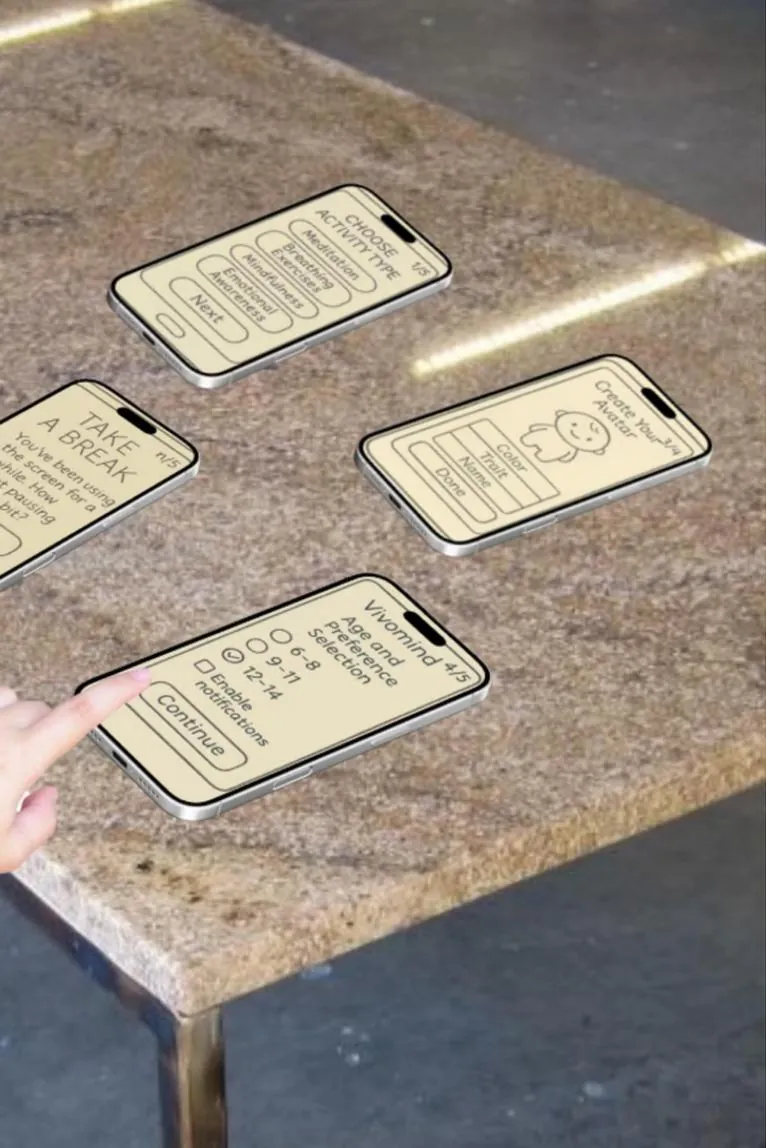
4Paper prototypes
5Iterate
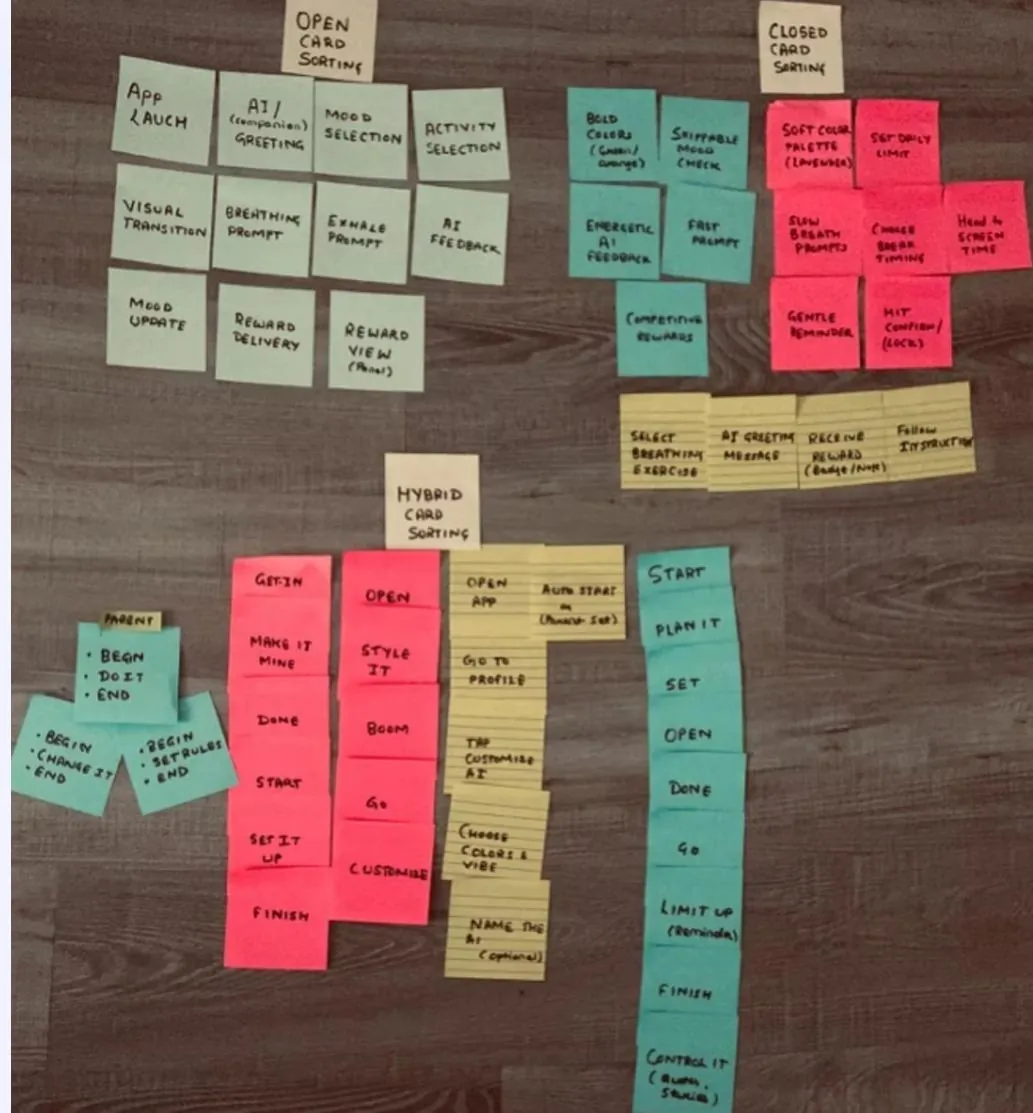
Open, closed and hybrid card sorting notes on a table
Fig 2.1Card sorting
  1. Open sortMood, activity flow, rewards.
  2. Closed sortPalettes, breath timing, limits.
  3. PersonasRo needs choice. Aisha, to be heard. Ethan, space.
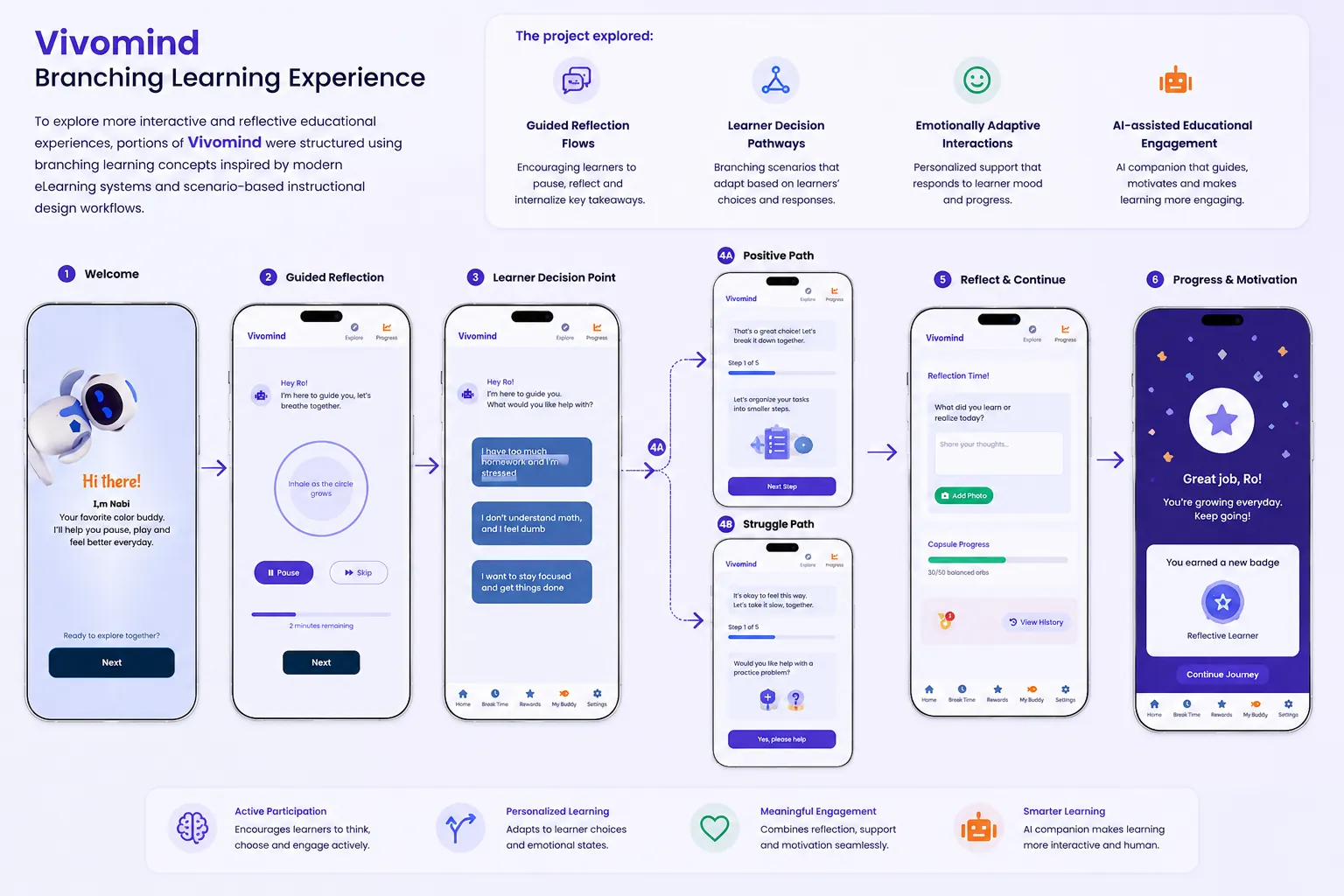
Branching learning experience flow
Fig 2.2Branching, scenario-based reflection
Paper prototypes on a stone table
PaperTested with kids. Onboarding friction found.
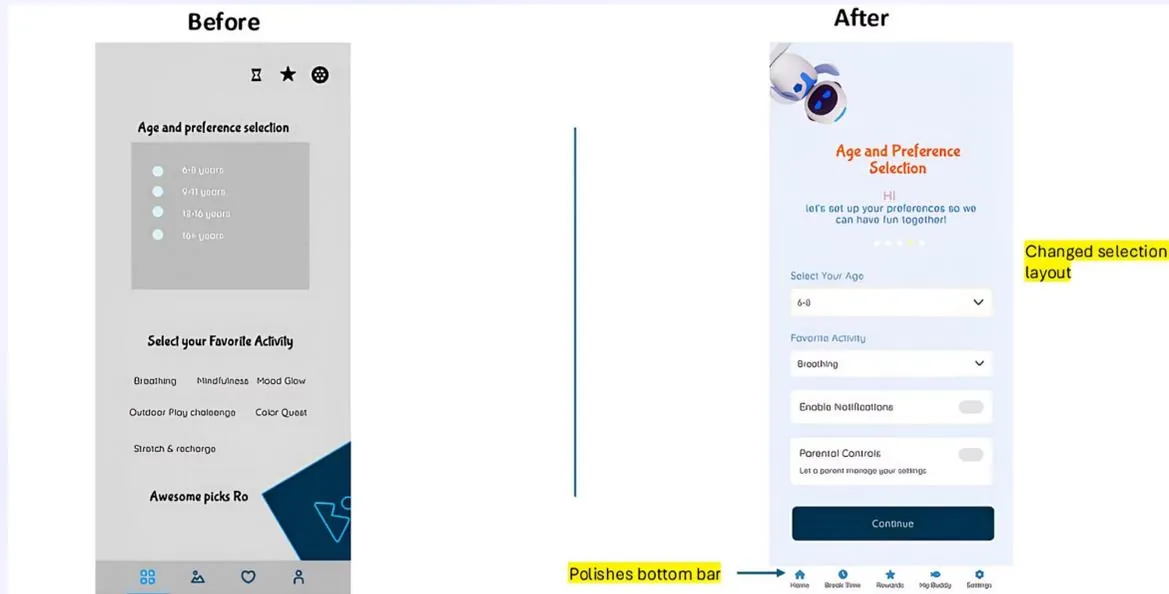
Before and after preference screen
Before / AfterPreferences
  • InputsRadio buttons became toggles and menus.
  • LayoutClutter became clear hierarchy.
  • Dark modeAdded. Kids asked for it.
03

Solution

A gentle companion, everywhere.
Onboarding with a friendly dolphin
OnboardingMeet the guide
Chat with Vivomind
AI chatWhat’s on your mind?
Focus timer
Focus15-minute blocks
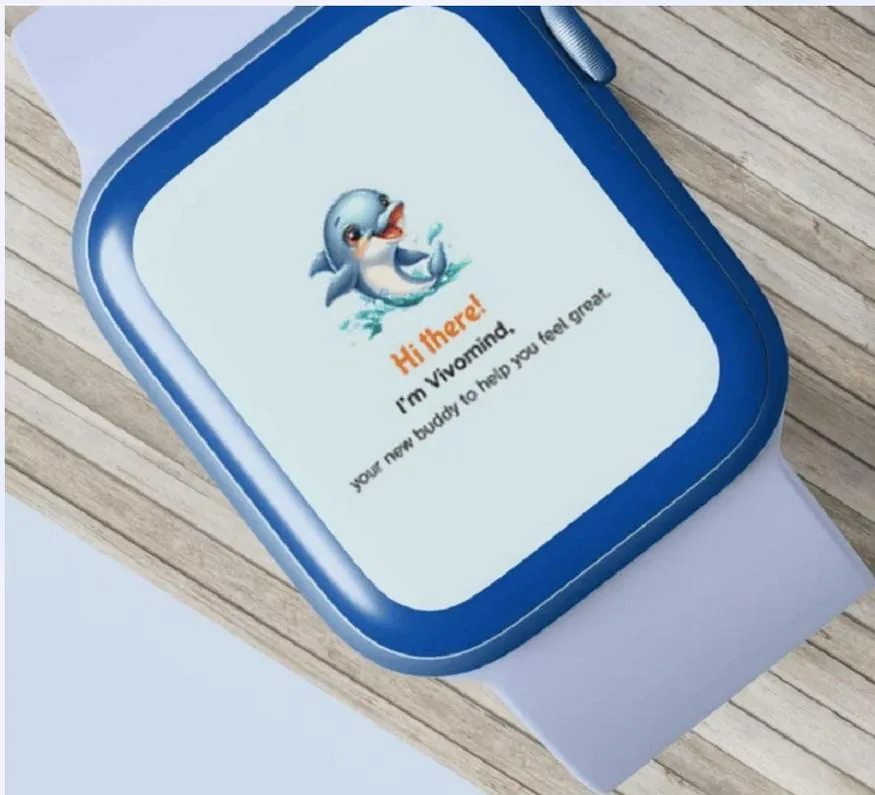
Smartwatch greeting
WearableSame friend, on the wrist

Modular learning flows

01Feel the Colors
02Pause to Play
03Power to Choose
04Calm as a Game
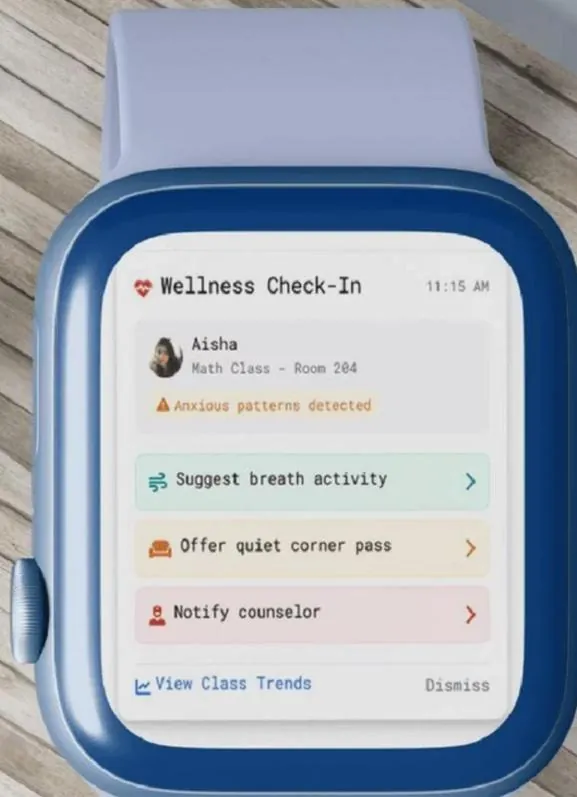
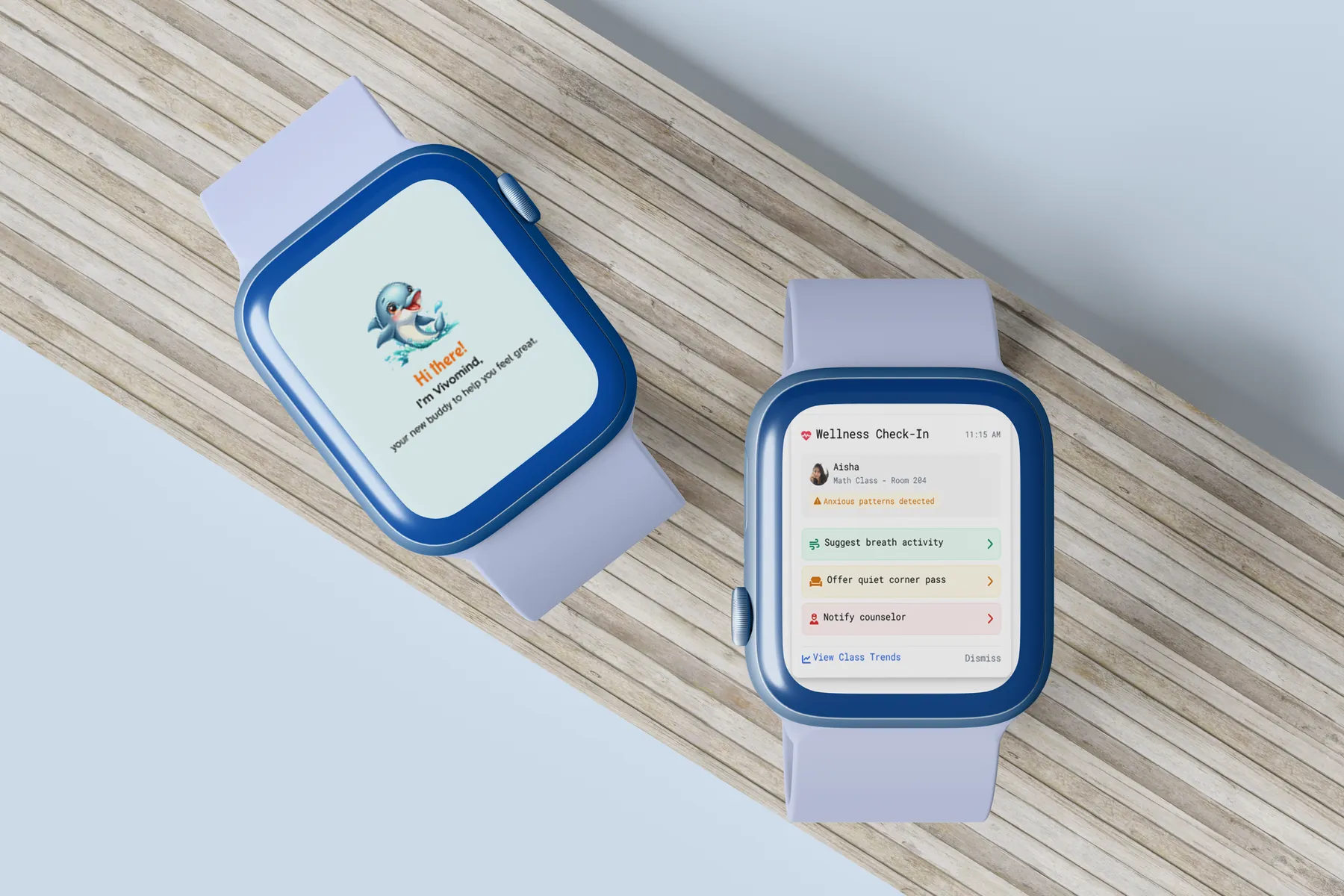
Wellness check-in on a smartwatch
Fig 3.1Wearable check-in
  1. DetectsAnxious patterns in class.
  2. SuggestsA breathing activity.
  3. OffersA quiet-corner pass.
  4. NotifiesA counselor, when needed.
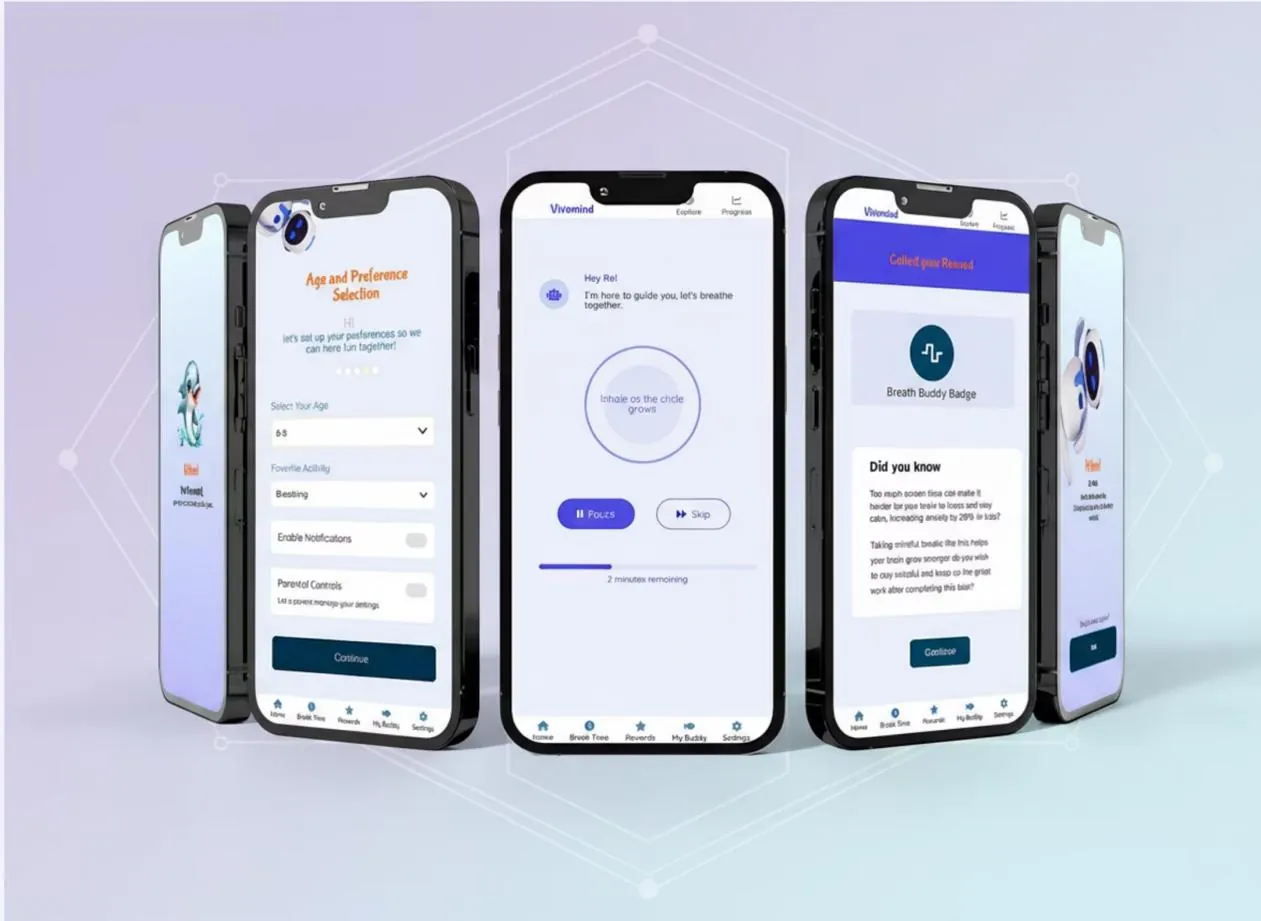
Interactive learning modules
ModulesBreathing with a Breath Buddy badge
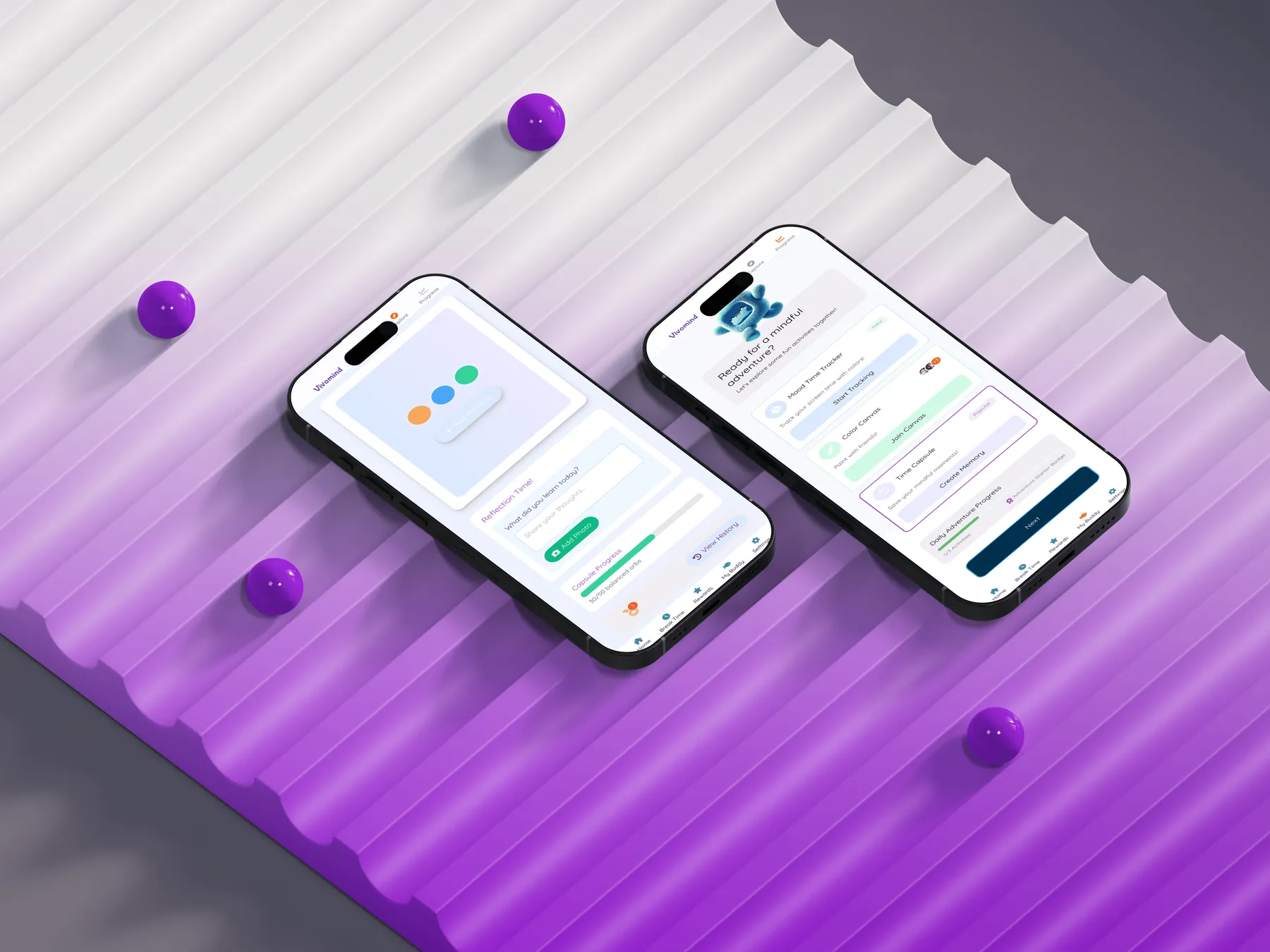
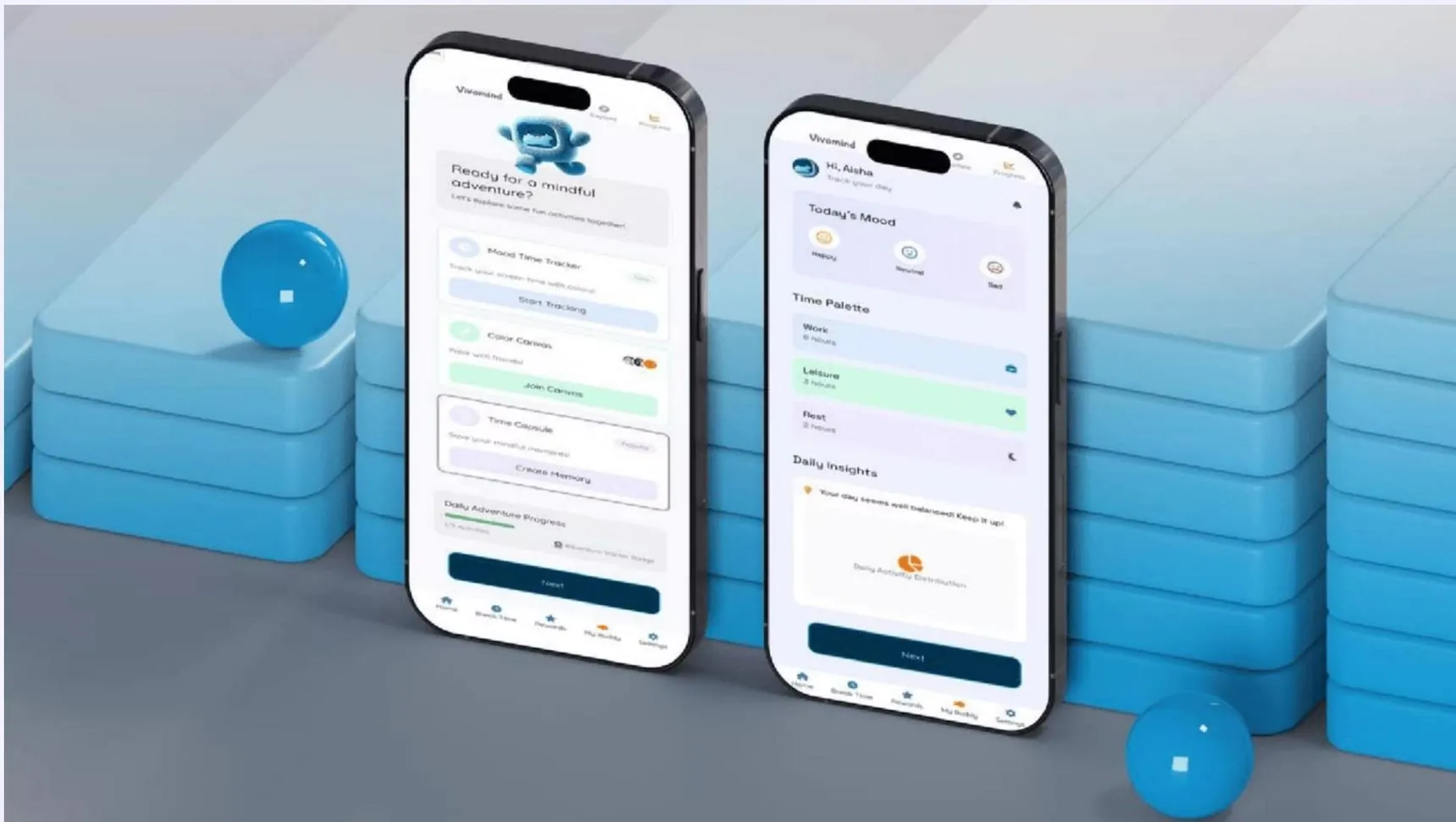
Adventure mode phones
AdventureMood tracker, Color Canvas
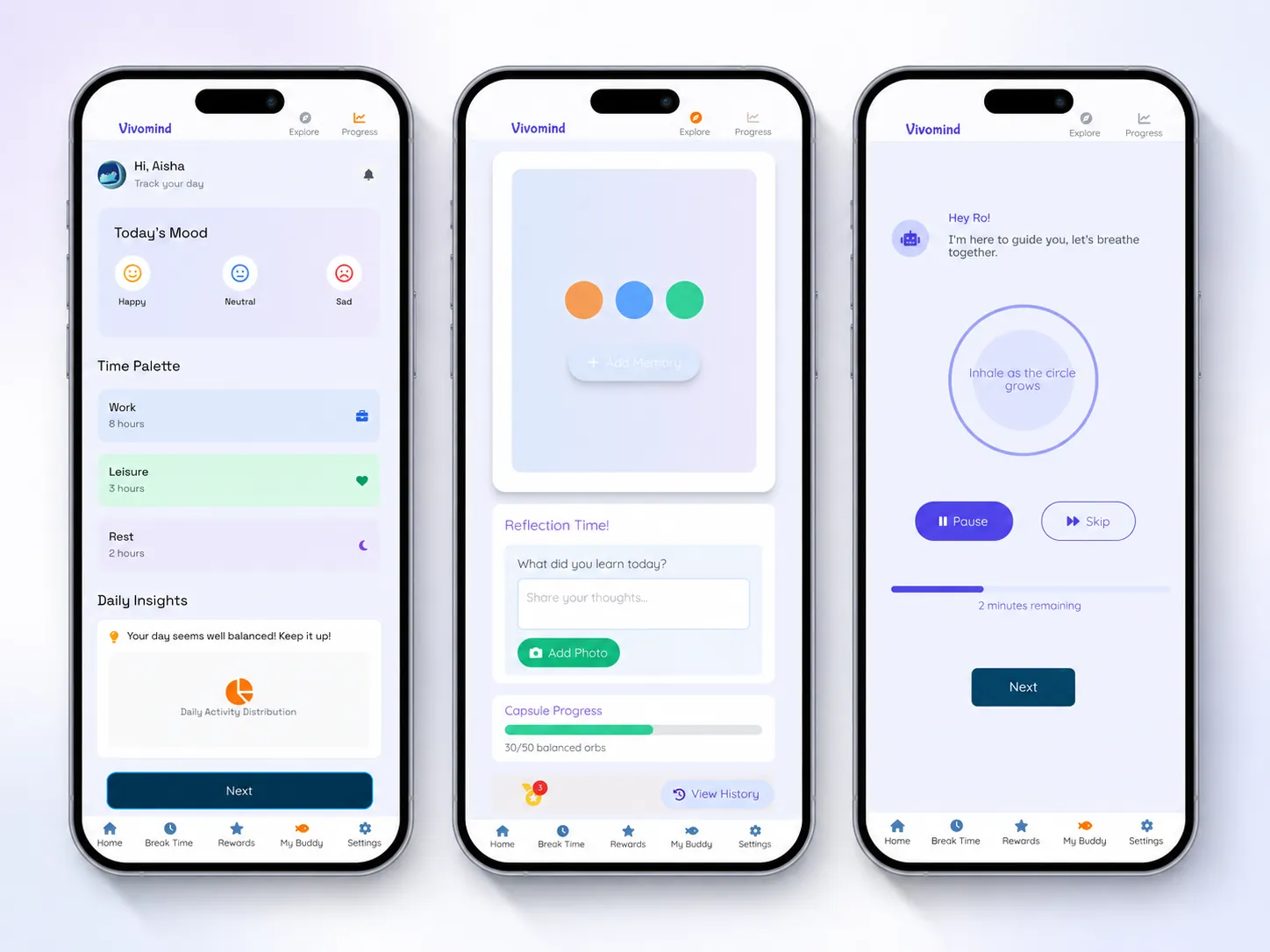
Progress dashboard phones
ProgressReflection and Time Palette
Achievement system phones
RewardsBadges for pauses
Activity cards on two phones
Screen timeKid-set goals
04

For adults

Educators and parents.
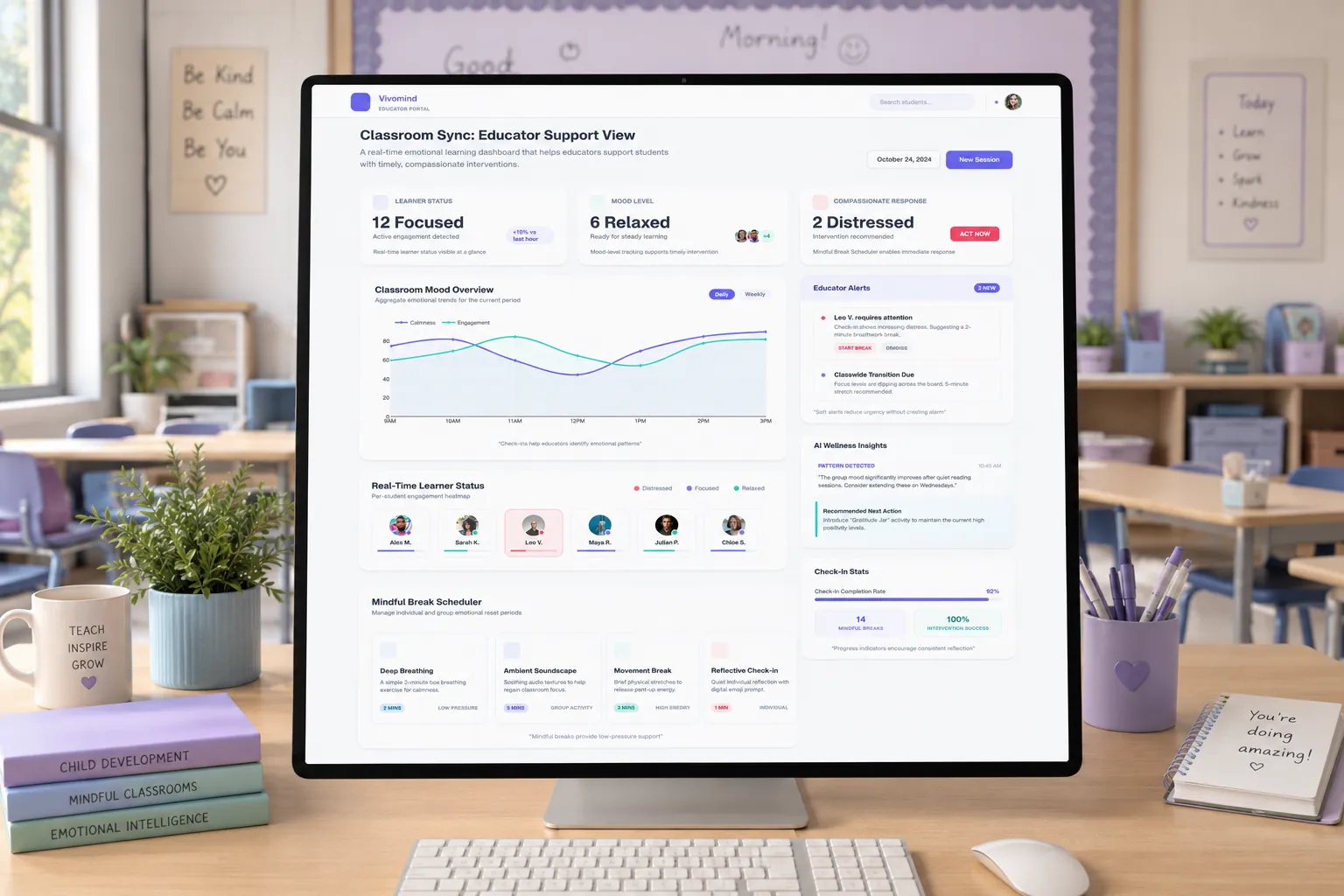
Educator dashboard on a classroom computer
Fig 4.1Educator view
  1. Class trendsFocus and mood over 24 hours.
  2. Gentle signalsDistress flagged, never punished.
  3. Parent flowBegin, set rules, end.
Two smartwatches on wood
WearableCalm on the wrist
Full app experience
SystemAtkinson Hyperlegible, calm blues
05

Results

The system, restored.

Tested with 40 participants across 30+ iterations.

92%Voluntary pauses
85%Calm sessions completed
80%Emotional improvement
68%Fewer bedtime conflicts